Business Process Automation: Where to Start
How to choose the right process to automate, map it before touching any tool, keep people in charge of exceptions and measure the result honestly.
Most businesses have processes that quietly consume time: copying data between systems, chasing approvals by email, rebuilding the same report every Monday. Automation promises to remove that friction. It can, but only if you automate the right thing, in the right order, with the right safety nets.
This article walks through a practical approach, from picking a candidate to running it reliably.
Automation is about handoffs
It is tempting to think of automation as “making a task faster”. In practice, the biggest gains usually come from removing handoffs: the moments when work waits for a person to notice it, re-type it or forward it.
Every handoff carries three costs. The work waits, which adds delay. The information gets transformed by hand, which creates errors. And somebody has to remember to do it, which makes the process fragile. When you look for automation opportunities, look for handoffs first.
Pick a good first candidate
Not every process deserves automation, and the best first project is rarely the most ambitious one. A good candidate usually has most of these traits:
- It repeats often. A process that runs daily repays the effort much faster than one that runs twice a year.
- The rules are clear. If two experienced people would handle the same case the same way, the rules can probably be written down.
- The inputs are structured. Data that arrives in forms, spreadsheets or system exports is far easier to work with than free-form email.
- The cost of an error is manageable. Start where a mistake can be caught and corrected, not where it triggers a payment or a legal notice.
- Someone owns it. A named person understands the process and can decide how it should work.
If a process fails the “clear rules” test, the right first step may be to agree on the rules, not to automate anything.
Map the process before choosing a tool
Before opening any automation product or writing any code, describe the process as it really happens today, not as the handbook says it should happen.
- List the steps in order, including the ones people do “just in case”.
- Mark every handoff between people or systems.
- Note the waits. Where does work sit idle, and why?
- Note the exceptions. What are the cases that do not follow the normal path, and how often do they appear?
- Record the data. What information moves at each step, and where does it live?
A single page with this information is often enough. Teams regularly discover that a step is redundant, that two systems hold conflicting copies of the same data, or that an approval nobody reads could be removed entirely. Simplifying the process first means you automate the version worth keeping.
Automate the stable core, keep people on the exceptions
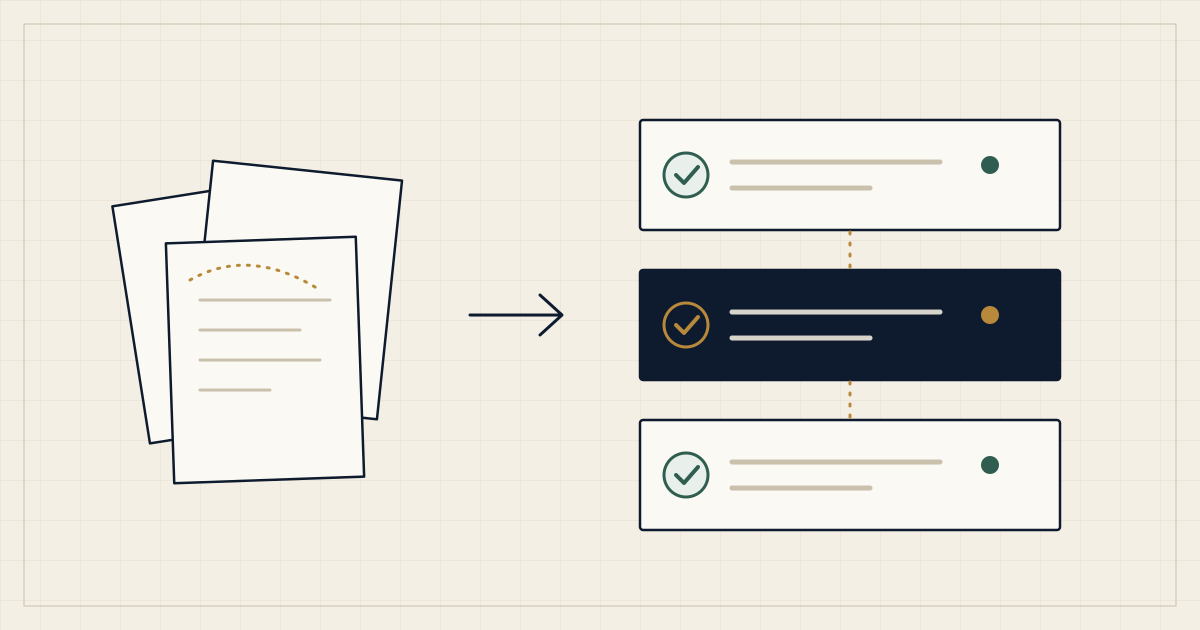
The goal is rarely 100 percent automation. A more robust pattern is to automate the common, well-understood path and route everything unusual to a person, with the context they need to decide quickly.
This human-in-the-loop design has several advantages. It limits risk, because unusual cases get human judgment. It builds trust, because the team sees the automation handle the routine work correctly. And it gives you a stream of real exceptions to learn from, so that you can decide later which ones are worth automating.
Approvals are a good example. Rather than removing them, automation can gather the relevant information, send it to the right approver with a clear request, and record the decision, so the approval is faster and better documented.
Choose the lightest approach that works
There is a spectrum of approaches, and the simplest one that meets the need is usually the best.
- Better templates and forms. Structured intake alone removes a surprising amount of rework.
- Connecting existing tools. Many products can pass data to each other through built-in integrations or automation platforms.
- A workflow engine or rules layer. When logic gets more complex, with branching, scheduling and approvals, a dedicated workflow tool helps.
- Custom software. When the process is central to your business, needs special logic, or must handle heavy volume and strict permissions, a purpose-built application can be the right investment.
Moving up this ladder adds capability and also adds cost to build, own and maintain. Start at the bottom and move up only when the lighter option clearly cannot meet the need.
Design for failure from day one
An automation that works on a good day and fails silently on a bad one is worse than no automation, because people stop checking. Build these basics in from the start:
- Visibility. Keep a log of what ran, with what input and what result, that a non-developer can read.
- Alerts. Decide who is notified when a step fails, and how.
- Safe retries. If a step runs twice, it should not create two invoices or send two emails. Make steps repeatable without side effects.
- A manual fallback. Document how to do the process by hand if the automation is down, and keep it current.
- An owner. Someone is responsible for the automation after launch, including changes in upstream systems and access credentials that expire.
Measure honestly
Before you automate, record a baseline in terms that matter to you: how long a typical case takes from start to finish, how many people touch it, how often it needs rework. Afterwards, measure the same things again.
Be careful with the claims you make from this. Count the time spent maintaining the automation as well as the time saved, and compare like with like. If the numbers show little improvement, that is useful information too: either the process had a different bottleneck or the automation needs adjusting.
A sensible rollout
- Pilot with one team or one slice of the process, with a person who is keen to give feedback.
- Run in parallel for a while. Compare the automated result with the manual one before you rely on it.
- Document how it works in plain language, including what it deliberately does not handle.
- Train the people who will deal with exceptions, and make it easy for them to report problems.
- Review after a few weeks. Adjust the rules, remove steps that proved unnecessary and choose the next candidate.
Common pitfalls
- Automating a broken process, which only makes the problem happen faster.
- Starting with the hardest process because it is the most painful.
- Treating exceptions as rare and discovering that they are most of the work.
- Building something clever that only one person understands.
- Forgetting that upstream systems change: an altered form field or an expired access token can stop a workflow without warning.
Getting started
Choose one process, map it on a single page and find its handoffs. That exercise alone often points to the first useful improvement, whether or not it involves software. If you would like a second pair of eyes on a process, reach out to us and describe what is happening today.